Smartwatches have evolved from simple step counters into complete communication hubs on our wrists. If you are navigating traffic on Shahrah-e-Faisal or commuting on a loud local bus, the ability to answer a phone call directly from your wrist without digging into your pocket is an incredible convenience. However, this convenience comes with a severe hidden cost: aggressive battery drain.
Many users purchase a premium smartwatch advertising a “7-day battery life,” only to find the device completely dead within 24 hours. At TechTouch.pk, we constantly receive questions about why smartwatch batteries degrade so rapidly. The culprit is almost always a misunderstanding of how Bluetooth calling hardware operates under the hood.
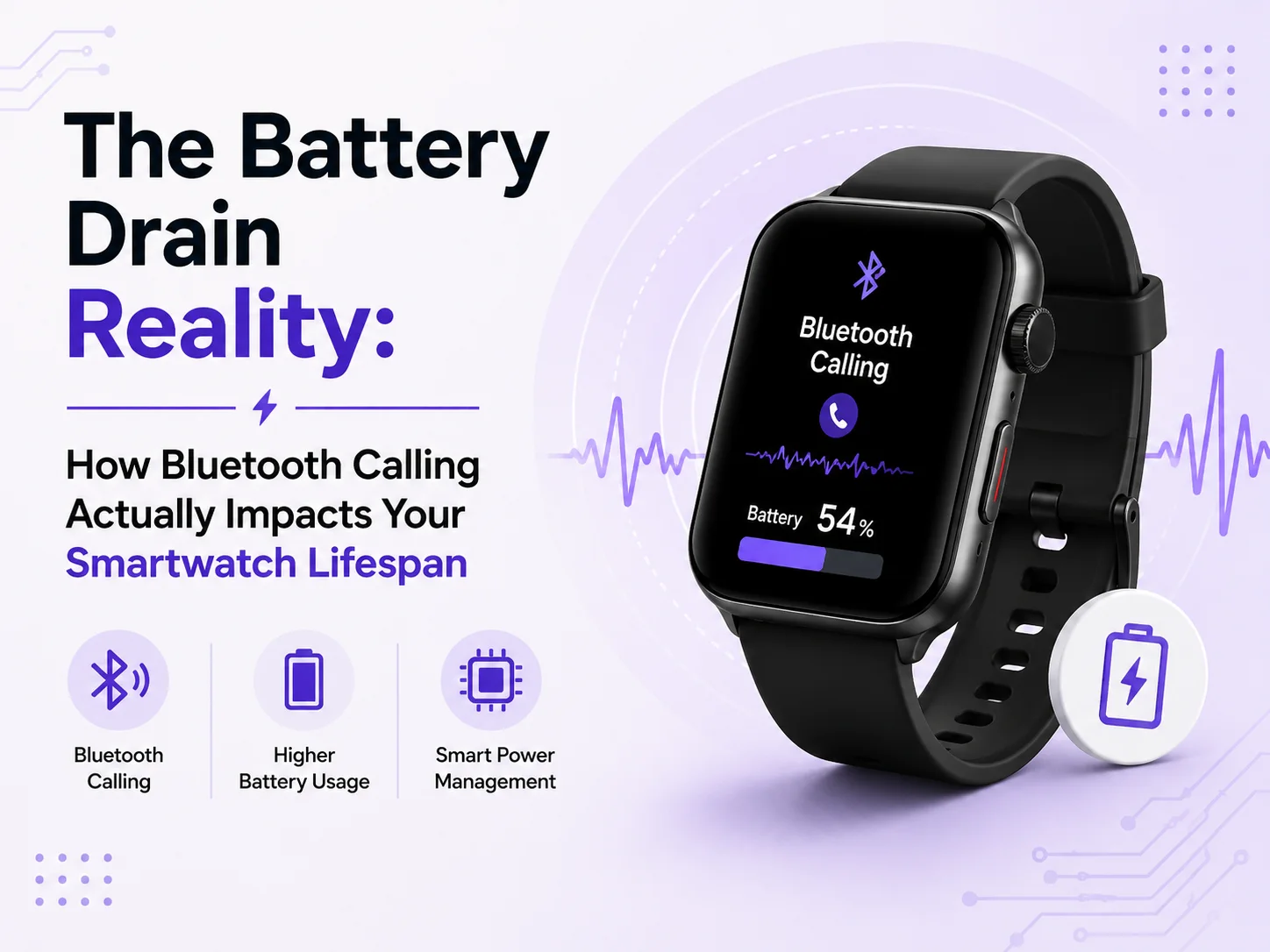
Bluetooth calling significantly accelerates smartwatch battery drain because it forces the watch to abandon its low-power idle state. During a call, the device simultaneously powers the Bluetooth transmission radio, the internal speaker, and the microphone. While active cellular calling is a heavier drain, continuous Bluetooth connectivity and frequent wrist-based calls still drain power rapidly, requiring much more frequent charging cycles.
Let’s strip away the marketing jargon and look at the exact electrical and thermal realities of Bluetooth calling on your wearable device.
The Physics of Bluetooth Power Consumption
A widely repeated myth in the tech world is that modern Bluetooth uses “negligible power” and should always be left on. While Bluetooth Low Energy (BLE) was designed for minimal power use during intermittent syncing, an active phone call is a continuous, heavy data stream.
To understand the impact, we must look at the total energy consumption during an active call, which can be expressed through the following continuous power integration formula:
During a call, your watch is not just running a single radio. It is actively pushing the Bluetooth transceiver, operating the microphone to capture your voice , driving the tiny internal speaker at maximum volume to overpower background street noise , and forcing the processor to encode and decode audio in real-time.
Even when you are not on a call, keeping the watch constantly ready to receive one has a hidden cost. Apple’s internal telemetry data reveals that idle Bluetooth draws up to 27 mW of power, compared to a mere 3 mW when the radio is fully disabled. In real-world usage scenarios, idle Bluetooth can account for 19% to 31% of total system energy consumption.
The Heat Factor: Pakistani Summers and Lithium Chemistry
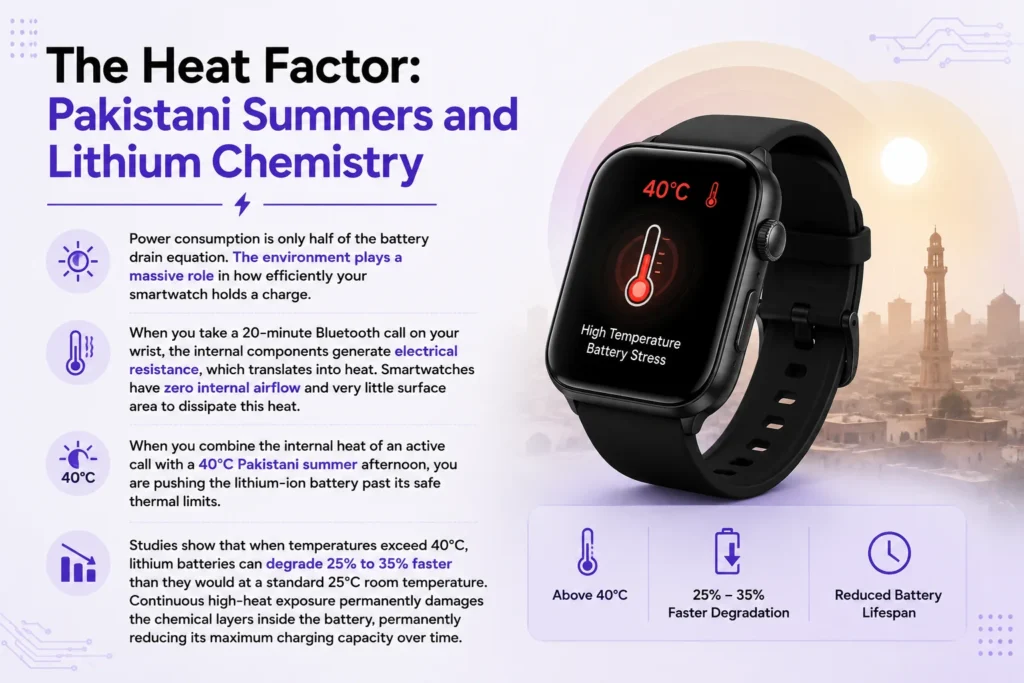
Power consumption is only half of the battery drain equation. The environment plays a massive role in how efficiently your smartwatch holds a charge.
When you take a 20-minute Bluetooth call on your wrist, the internal components generate electrical resistance, which translates into heat. Smartwatches have zero internal airflow and very little surface area to dissipate this heat. When you combine the internal heat of an active call with a 40°C Pakistani summer afternoon, you are pushing the lithium-ion battery past its safe thermal limits.
Studies show that when temperatures exceed 40°C, lithium batteries can degrade 25% to 35% faster than they would at a standard 25°C room temperature. Continuous high-heat exposure permanently damages the chemical layers inside the battery, permanently reducing its maximum charging capacity over time.
Feature Consumption Matrix
To optimize your smartwatch, you need to know exactly which features are draining your power alongside Bluetooth calling.
| Smartwatch Feature | Impact on Battery Life | Primary Mitigation Strategy |
| Active Bluetooth Call | Extreme | Take longer calls on your phone instead of the watch. |
| Always-On Display (AOD) | High (30-40% Drain) | Disable AOD and use the “Raise to Wake” feature. |
| Idle Bluetooth Syncing | Medium (19-31% Drain) | Disable Bluetooth when not actively needing notifications. |
| Continuous Heart Rate | Medium | Change monitoring intervals to every 10 or 30 minutes. |
| Bright Watch Faces | Low to Medium | Use dark or black AMOLED watch faces. |
Actionable Steps to Maximize Your Smartwatch Lifespan
You do not need to disable every smart feature to get a full day of battery. Implement these strategic adjustments to drastically improve your runtime.
- Audit Your Notifications: Every single app notification lights up the screen, vibrates the motor, and wakes the processor. Limit your notifications to only 3 to 5 truly essential apps (like calls and WhatsApp) and disable alerts for social media and games.
- Utilize Dark Watch Faces: Most premium smartwatches use AMOLED displays, which physically turn off individual pixels to display the color black. Using a minimalist, dark-themed watch face consumes significantly less energy than a bright, animated interface.
- Manage Health Sensors: Continuous health tracking is a massive battery drain. Unless you are actively working out, adjust your heart rate and SpO2 sensors to take readings periodically rather than continuously.
- Schedule Radio Downtime: You do not need Bluetooth active while you sleep. Use your watch’s quick settings to disable Bluetooth overnight or during long periods of inactivity to instantly recover battery life without sacrificing usability.
The WAPDA Defense: Charging Habits Matter
Finally, how you replenish your smartwatch battery is just as important as how you drain it. With local load shedding causing frequent WAPDA voltage spikes, you must be careful when plugging your fragile wearable into the wall.
Always use a verified, low-wattage charging brick designed specifically for wearables. Never plug your smartwatch into a cheap, counterfeit fast charger. A power surge passing through a low-grade adapter can instantly fry the delicate Power Management IC inside your watch. Furthermore, avoid leaving your watch plugged in overnight, as holding a lithium battery at 100% capacity for extended periods accelerates chemical aging.
By understanding the raw hardware demands of Bluetooth calling and respecting the environmental challenges of using tech in Pakistan, you can easily double the functional lifespan of your smartwatch.
Practical Smartwatch Battery Optimization Tips This video provides practical, community-tested tips on small daily adjustments that significantly extend your smartwatch battery life without losing the core features you rely on.
Source of the blog :
Youtube : Smartwatch Battery Draining Fast? Real Tips to Make It Last Longer | Subscriber Q&A
Quora : What-type-of-battery-do-smartwatches-use-and-where-can-I-buy-them
Reddit : Curiosity: What is the benefit to a long battery life on a smart watch ?
Explore more :
Best Phone chargers in Pakistan
Best charging cables for phones in Pakistan