When upgrading your smartphone or laptop, you will likely notice a major shift in the box: the classic rectangular USB-A port is disappearing, replaced entirely by smaller, reversible USB-C connectors. If you are standing in a mobile accessories shop or browsing an e-commerce site, you face a common dilemma: should you keep buying traditional USB-A to Type-C cables, or is it time to completely transition to Type-C to Type-C?
Many consumers assume that as long as the end plugging into the phone is Type-C, the charging speed will be exactly the same. This is a massive misconception that severely bottlenecks premium devices.
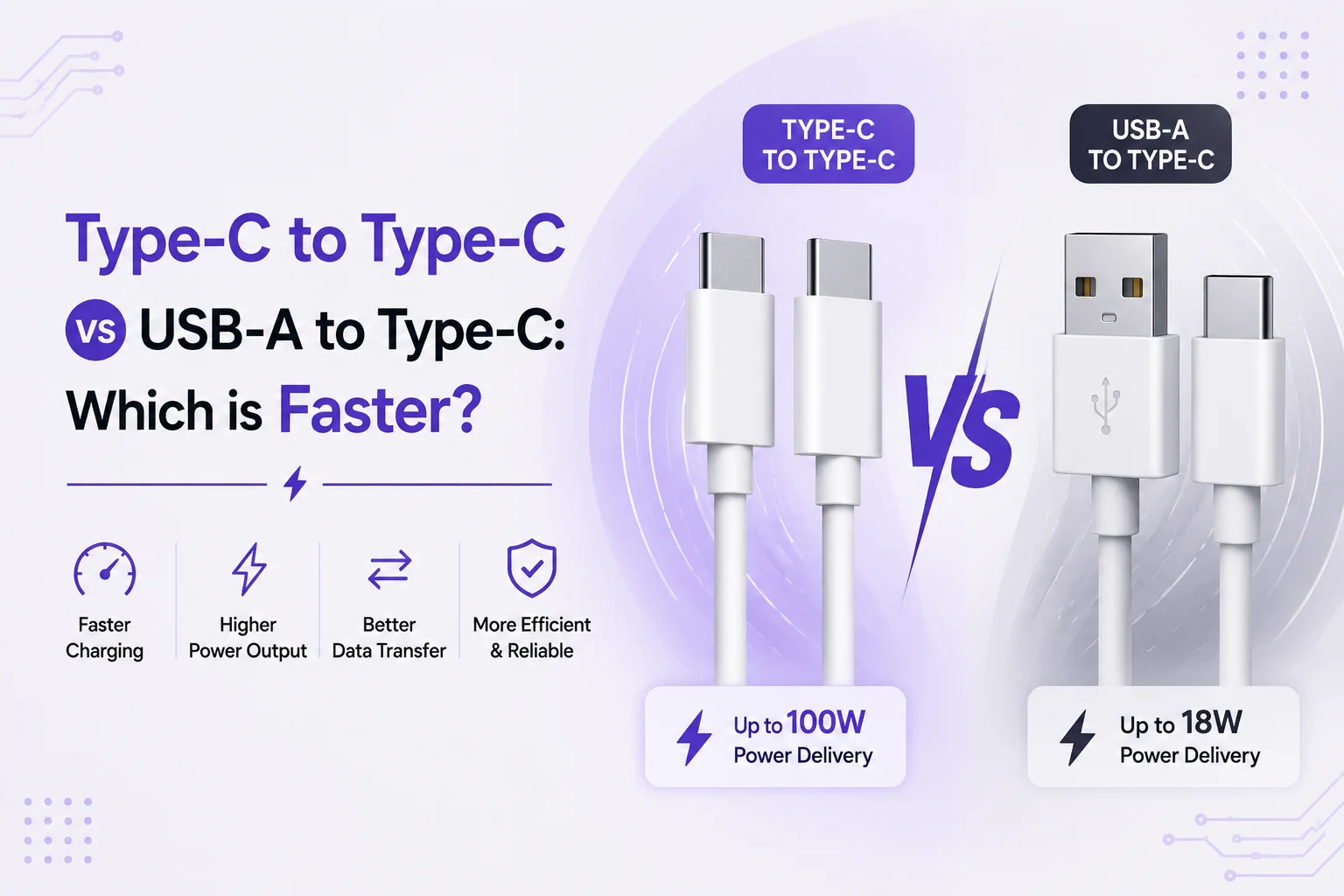
Type-C to Type-C is significantly faster than USB-A to Type-C for both charging and data transfer. A standard USB-A to Type-C connection is physically limited by its older architecture, safely maxing out at 15W to 18W under standard USB specifications, or up to 33W with proprietary tech like Qualcomm Quick Charge. In contrast, Type-C to Type-C cables feature a dedicated Configuration Channel (CC) pin that unlocks USB Power Delivery (USB-PD). This allows Type-C to Type-C connections to safely deliver up to 240W of power, making it the only standard capable of rapidly charging modern laptops and flagship smartphones.
To understand why your high-end charger might not be delivering the speeds you paid for, we need to look at the internal wiring and digital handshakes happening inside these cables.
The Architectural Bottleneck: Why USB-A is Falling Behind
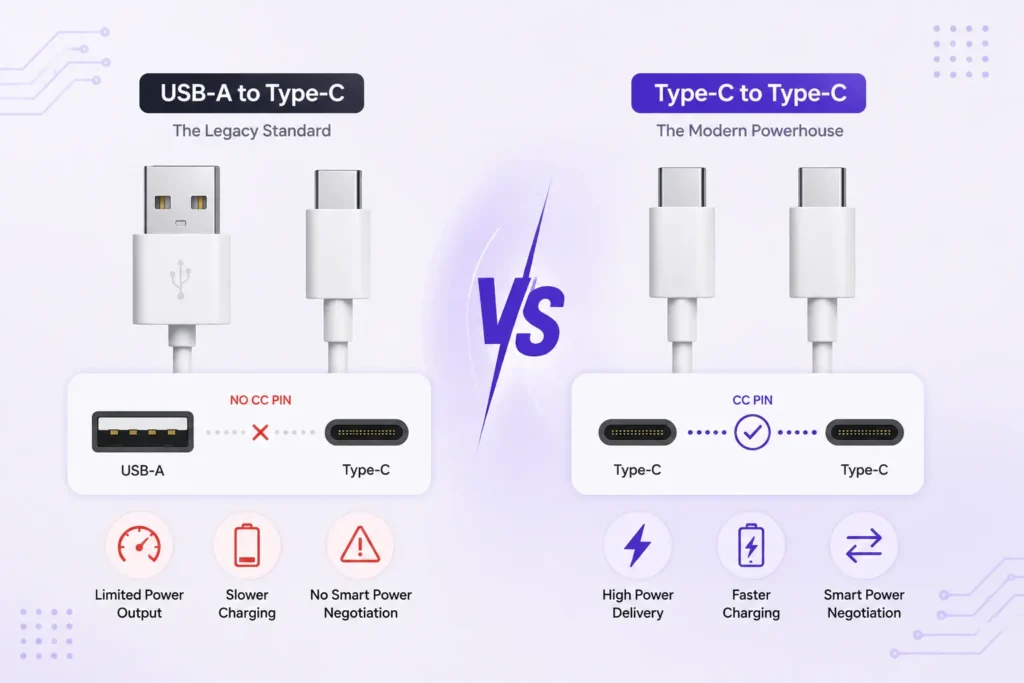
The fundamental difference between these two cables is not just the shape of the plastic housing; it is the physical number of internal pins and their ability to communicate with your device.
USB-A to Type-C (The Legacy Standard)
The traditional USB-A connector was designed decades ago, primarily for data transfer (like connecting a mouse or a flash drive) and very low-power charging (2.5W to 7.5W). While modern proprietary protocols (like Quick Charge) have pushed USB-A limits higher, it still lacks the hardware required for modern smart charging.
- The Limitation: USB-A ports do not possess a CC (Configuration Channel) pin. Without this pin, the cable cannot perform the advanced digital handshake required for high-wattage power delivery.
Type-C to Type-C (The Modern Powerhouse)
When you use a Type-C connection on both ends, you unlock the full potential of modern tech.
- The Advantage: Both ends of the cable feature the CC pin, allowing the charger, the cable, and the smartphone to communicate instantly. They negotiate the exact voltage and amperage needed in real-time, enabling the USB Power Delivery (USB-PD) standard.
Power Delivery (PD) vs. Quick Charge (QC)
To see exactly how these cables perform in the real world, look at how they handle charging protocols.
| Feature | USB-A to Type-C | Type-C to Type-C |
| Max Standard Wattage | 7.5W to 15W | Up to 100W (or 240W with PD 3.1) |
| Primary Fast Charge Protocol | Qualcomm Quick Charge (QC 3.0) | USB Power Delivery (USB-PD / PPS) |
| Laptop Charging Support | No (Insufficient Power) | Yes (MacBooks, XPS, Chromebooks) |
| Connector Reversibility | One side only (USB-C end) | Both sides fully reversible |
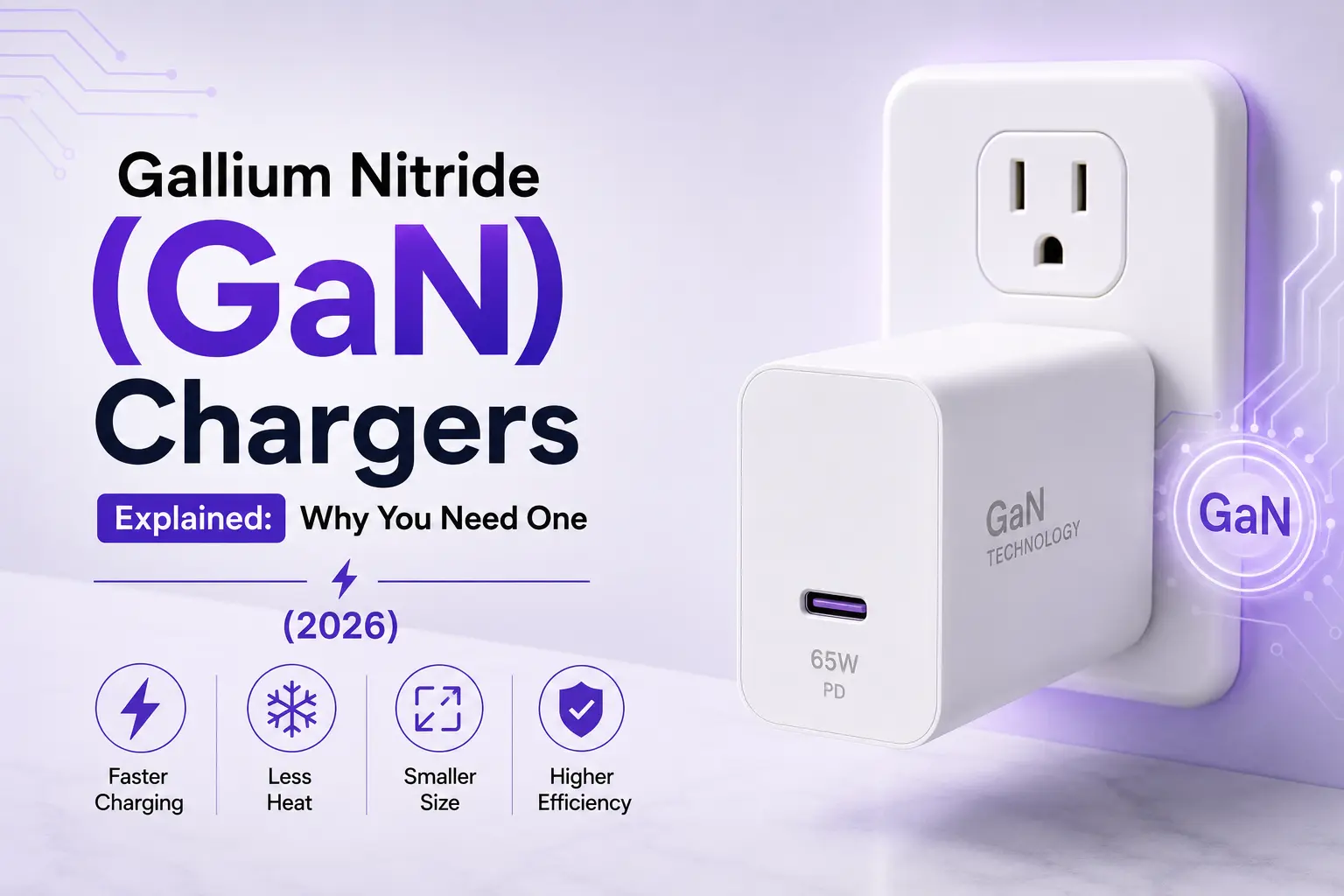
If you buy a 65W GaN wall charger but plug in a USB-A to Type-C cable, your charger will immediately throttle its output. Because it cannot verify the safety parameters via a CC pin, it will drop to a legacy speed, meaning your device will charge at a fraction of its true potential.
Data Transfer: Moving Massive Files
Speed isn’t just about charging batteries; it is also about moving data. If you are transferring 4K video files or backing up a hard drive, the cable type dictates your waiting time.
- USB-A to Type-C: Most standard cables cap out at USB 2.0 (480 Mbps) or USB 3.0 (5 Gbps).
- Type-C to Type-C: These cables support the latest USB 3.2 and USB4 protocols. When paired with compatible hardware, a Type-C to Type-C cable can transfer data at a staggering 40 Gbps (Thunderbolt 3/4 standards).
The E-Marker Chip: The Secret of 100W+ Cables
When transitioning to Type-C to Type-C, you must be aware of the “E-Marker” (Electronically Marked) chip.
By default, standard Type-C to Type-C cables safely carry up to 60W (3 Amps). To achieve 100W or 240W (5 Amps), the cable must contain an internal E-Marker chip. This microchip tells the charger that the copper wiring is thick enough to handle extreme currents without melting. If you are buying a cable to charge a high-end laptop or a flagship phone, you must ensure the Type-C to Type-C cable explicitly states it is 100W or 5A certified.
Which Cable Should You Buy?
At TechTouch.pk, we recommend auditing the devices you use daily before making a purchase.
Stick with USB-A to Type-C if:
- You are connecting your phone to older car infotainment systems (like older Android Auto ports).
- You are charging low-power accessories like basic Bluetooth earbuds or smartwatches.
- Your primary wall outlet relies on older, built-in USB-A sockets.
Upgrade to Type-C to Type-C if:
- You want to utilize true Super Fast Charging (USB-PD/PPS) on your Samsung, Google Pixel, or iPhone 15/16.
- You want one universal cable to charge your smartphone, tablet, and high-performance laptop.
- You regularly transfer massive video files to external SSDs.
( Explore the Data cables collection )
Conclusion
The verdict on Type-C to Type-C vs USB-A to Type-C is clear: Type-C to Type-C is unequivocally faster, safer, and infinitely more capable. The classic USB-A connector has served the tech industry well for two decades, but it has hit its physical limits. To future-proof your digital life and stop wasting hours waiting for your devices to charge, it is time to fully embrace the Type-C to Type-C ecosystem.
Frequently Asked Questions
Is it safe to use a Type-C to Type-C 100W cable on a 20W smartphone?
Yes, it is completely safe. USB Power Delivery involves smart negotiation. The smartphone communicates its limits to the charger through the cable. If the phone only needs 20W, the cable will only deliver 20W, preventing any damage or overheating.
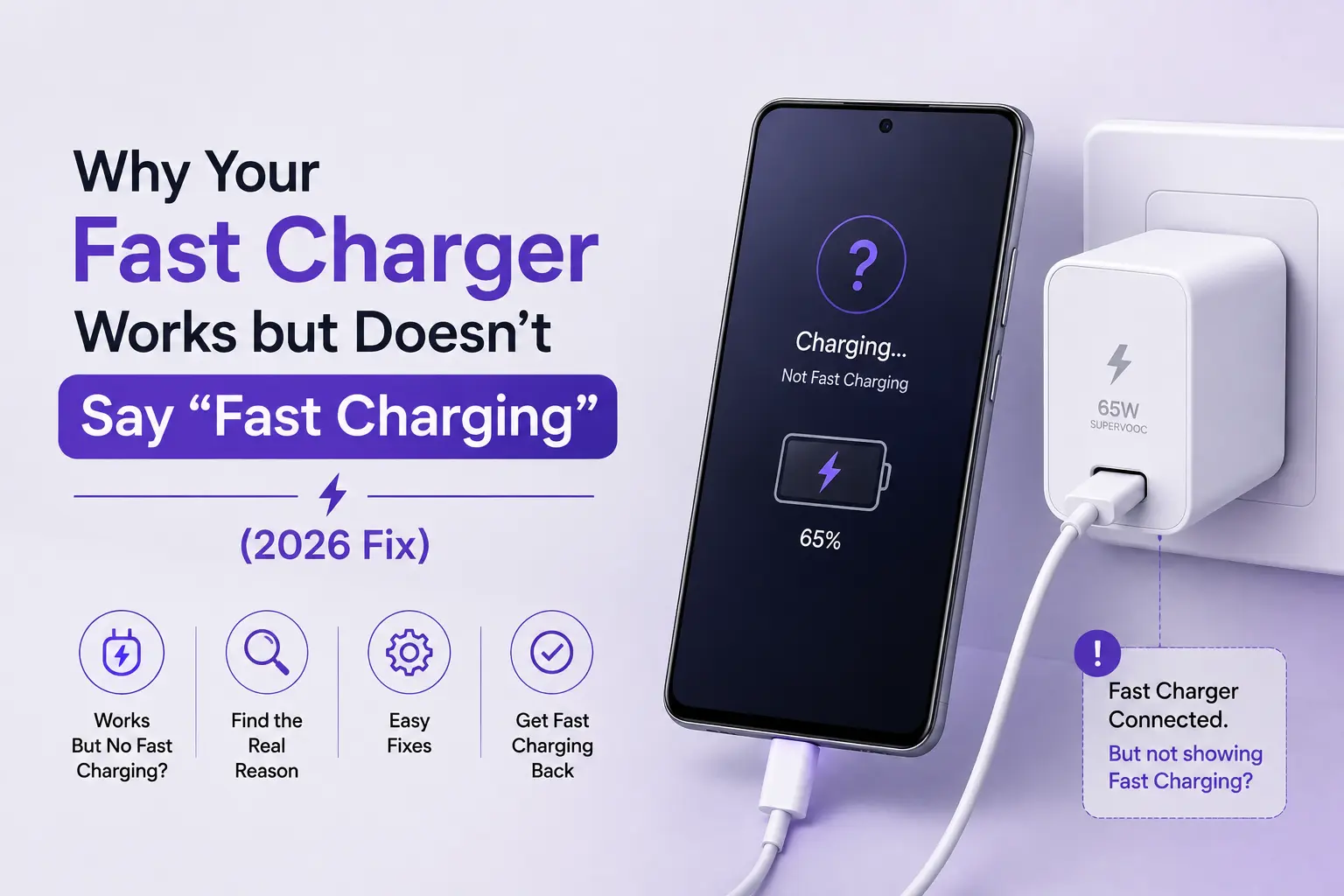
Why does my phone say “Slow Charging” with a USB-A to Type-C cable?
This happens because your modern smartphone requires USB-PD to trigger fast charging, which relies on a dedicated communication pin not present in USB-A connections. Without that pin, the charger defaults to a basic 5W or 10W output for safety.
Do all Type-C to Type-C cables support fast data transfer?
No. Many cheap Type-C to Type-C cables are designed purely for charging and are wired internally to USB 2.0 speeds (480 Mbps). If data transfer is a priority, ensure you buy a cable explicitly labeled as USB 3.1, USB 3.2, or USB4 (10Gbps to 40Gbps).
Source of the Blog
Reddit : What’s the difference between type a to type c and type c to type c?
WikiPedia : USB – C